
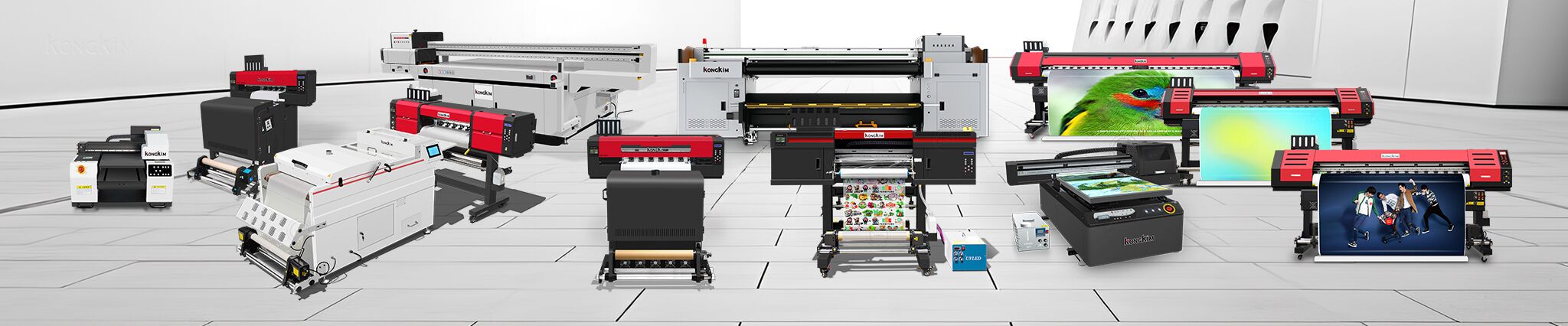

For any printing business, the printhead is the most valuable yet fragile component. Whether you are using a DTF printer, UV printer, or sublimation printer, a clogged or damaged printhead can lead to expensive replacements and production downtime.
1. Maintain Optimal Humidity and Temperature
Most digital printing machines work best in temperatures between 20°C-28°C and humidity levels of 40%-60%. Extreme heat can cause the ink to dry inside the nozzles, leading to permanent clogs.
2. Never Skip Daily Cleaning
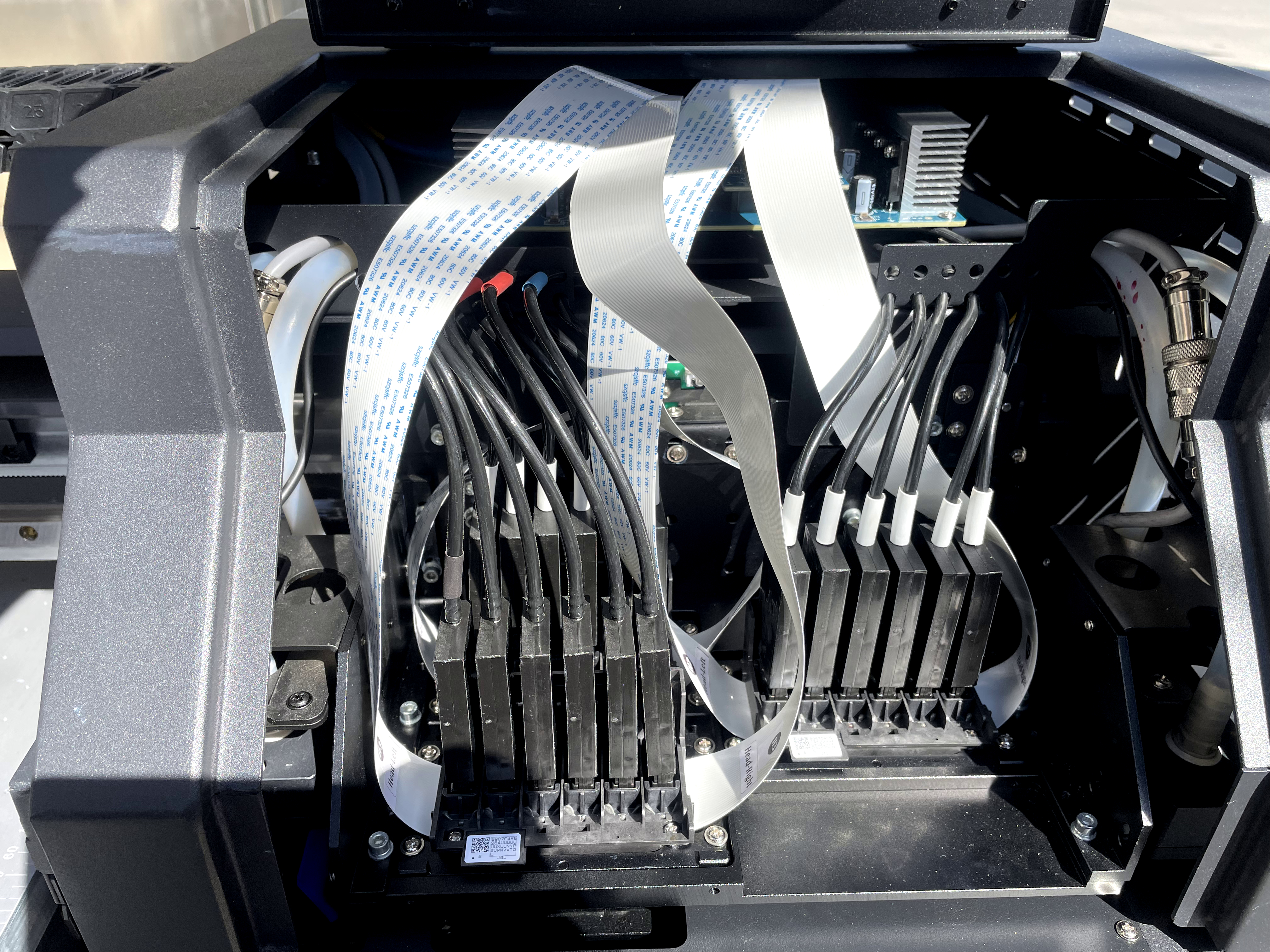
Even if you don’t have orders, you should run a test print or a self-cleaning cycle every day. This keeps the ink flowing through the Epson i3200 printhead or other industrial heads, preventing pigment sedimentation.
3. Use High-Quality Inks Only
Cheap, unfiltered inks are the #1 killer of printheads. As a reliable printer manufacturer, we always recommend using original-quality inks that have the correct viscosity and pigment size to avoid blockages.
4. Proper Power-Off Procedure
Always ensure the printhead returns to the “capping station” when the machine is turned off. This seals the nozzles and prevents them from being exposed to air, which dries out the ink.
5. Regular Maintenance of Consumables
The wiper and cap top get dirty over time. If they are covered in waste ink, they cannot clean the head effectively. Clean these parts weekly using professional printer cleaning liquid.
Conclusion: Professional Support Matters
At KONGKIM Printer, we don’t just sell machines; we provide long-term technical support to ensure your business stays profitable. If you are facing any printing issues, feel free to message our team for a free consultation.
Post time: May-05-2026


